

Maximum reception
One SIM card with access to the networks of all three Finnish operators: DNA, Elisa and Telia. The camera automatically uses the best available network.



The Modernhunter SIM is the cheaper alternative to the Burrel SIM. In Finland, it has access to the networks of all three operators, DNA, Elisa and Telia, and has no monthly fee. Modernhunter offers a SIM card and an app for trail cameras: you keep your Burrel and only swap the SIM card.
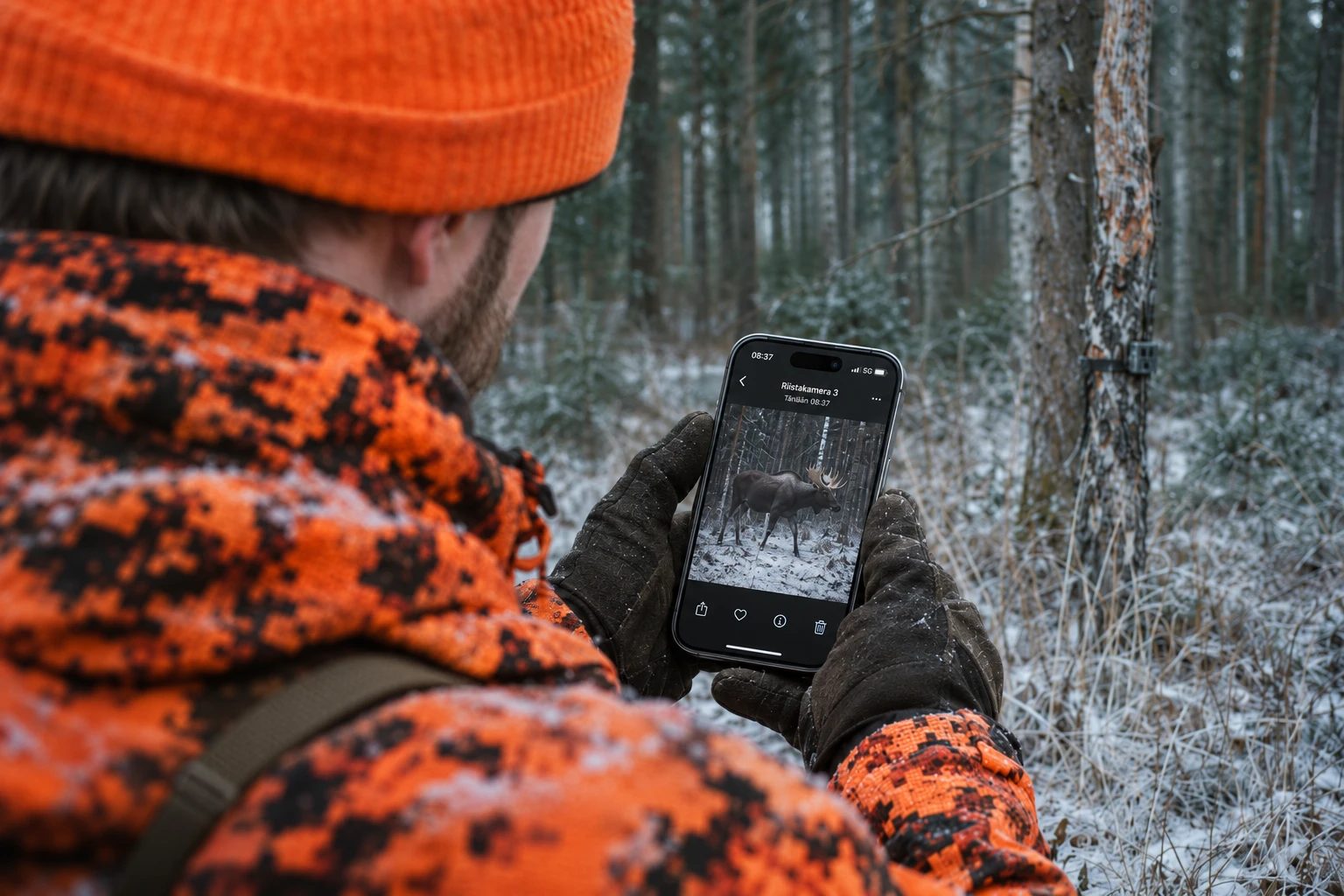
Three reasons why switching to the Modernhunter SIM is worth it.
One SIM card with access to the networks of all three Finnish operators: DNA, Elisa and Telia. The camera automatically uses the best available network.
No monthly fee per camera. You only pay when the camera actually sends a photo: 0.8 cents per photo with the 5,000-coin package.
All your cameras share one single credit. There is no billing per camera, and the credit never expires.
| Burrel subscription (Elisa) | Modernhunter SIM | |
|---|---|---|
| Networks in Finland | Elisa | DNA, Elisa and Telia |
| Billing | Monthly fee: Burrel Kuva €4.99/month, Burrel Video €7.99/month | no monthly fee, you only pay for photos sent |
| Abroad | Data transfer blocked by default | 41 countries and 125 networks in Europe |
| Photos appear | in the Burrel app or by email | in the Modernhunter app |
Burrel subscription prices according to Elisa, as of November 2026.
Choose how many photos your camera sends and how many months a year it runs. The calculator compares your costs with the Burrel Kuva subscription.
Convinced by our benefits? Then we will show you here how to set up your Burrel camera for our SIM card. With our ready-made sample file, it only takes a few steps.
You enter this address as the recipient in Part 2.
yourname@mh-cam.de. It is the recipient for your captures.You will find the program and the sample file in the download above.
All other values (APN, SMTP, sender) are already stored in the sample file. You only need to enter your personal Modernhunter address under Email 1.
Switch to SETUP, on the S22WA to ON.
S22WA: This camera needs a nano SIM. The Modernhunter SIM comes in standard format. On request we punch it to nano size, or you can cut it yourself with a SIM cutter. On newer Burrel cameras, you set a camera password when you switch the camera on for the first time. Keep it in a safe place.
On these models, the submenu may also be called Sending. If you cannot find an item for loading the file, write to us before you continue: support@modernhunter-solutions.com.
The sample file already presets these values. If, in exceptional cases, they have to be entered by hand, for example in Burrel's own program, the following data applies: Burrel Support: Wireless setup tool
| Item in the program | Value |
|---|---|
| Operator Parameter | Custom |
| APN | mhsim |
| Username | leave empty |
| Password | leave empty |
| SMTP Server | mx0.mh-cam.de |
| SMTP Port | 25 |
| SSL/TLS | off |
| Account | hunter@mh-cam.de |
| Account password | hunter |
| First recipient | Your personal @mh-cam.de address from Part 1 |
The Modernhunter SIM card sends exclusively to the Modernhunter server. As the recipient, therefore always enter the address generated in Modernhunter, not a private or external address.
With this short test procedure you make sure that your Burrel captures arrive reliably via the Modernhunter SIM.
The sample file was made for this program but has not yet been tested with every Burrel model. The test photo shows you right away whether everything is correct.
If sending still does not work, write to us at support@modernhunter-solutions.com and tell us the camera model. We will sort it out with you by email.
For the N24, E24 and S22WA, Burrel states that the SIM card is user-changeable, and a SIM lock is not mentioned anywhere. For the N24 there is also a retailer statement that the camera works with subscriptions from other operators.
The Burrel subscription is an Elisa subscription, so the camera uses the Elisa network. Abroad, data transfer is blocked by default according to Elisa.
In Finland, the Modernhunter SIM card can connect to the DNA, Elisa and Telia networks. The card automatically selects the best available network.
There is no monthly fee. The SIM card costs €5.00, and every new card comes with 100 coins of starting credit. After that you pay 0.8 cents per photo (from the 5,000-coin package). Billing is per started 300 KB, and a normal photo is below that.
No. The Modernhunter SIM card only sends photos to the Modernhunter server, so the photos appear in the Modernhunter app. Burrel+ sending does not work with this card.
Go through these points: Was exactly the address generated in Modernhunter entered under Email 1? Was the file saved as MMSCFG.BIN and loaded via Update Para? Is SendTo set to Email? Does the camera have mobile reception at its location? In SETUP mode, the network name and signal should appear on the display. Was the camera reset to factory settings? In that case, load the MMSCFG.BIN file again.
Check these points: Is the Modernhunter SIM inserted the right way round and is the antenna fitted? On the S22WA: is it a nano SIM? Does the camera have mobile reception at its location? In SETUP mode, the network name and signal should appear on the display.
A sending trail camera needs a SIM card to send photos over the mobile network.
Modernhunter cameras are also used by hunters in Finland. A trail camera took this photo of a moose at night in a Finnish hunting area. The photos go straight to the Modernhunter app.
More about the Hunter 4G Mini →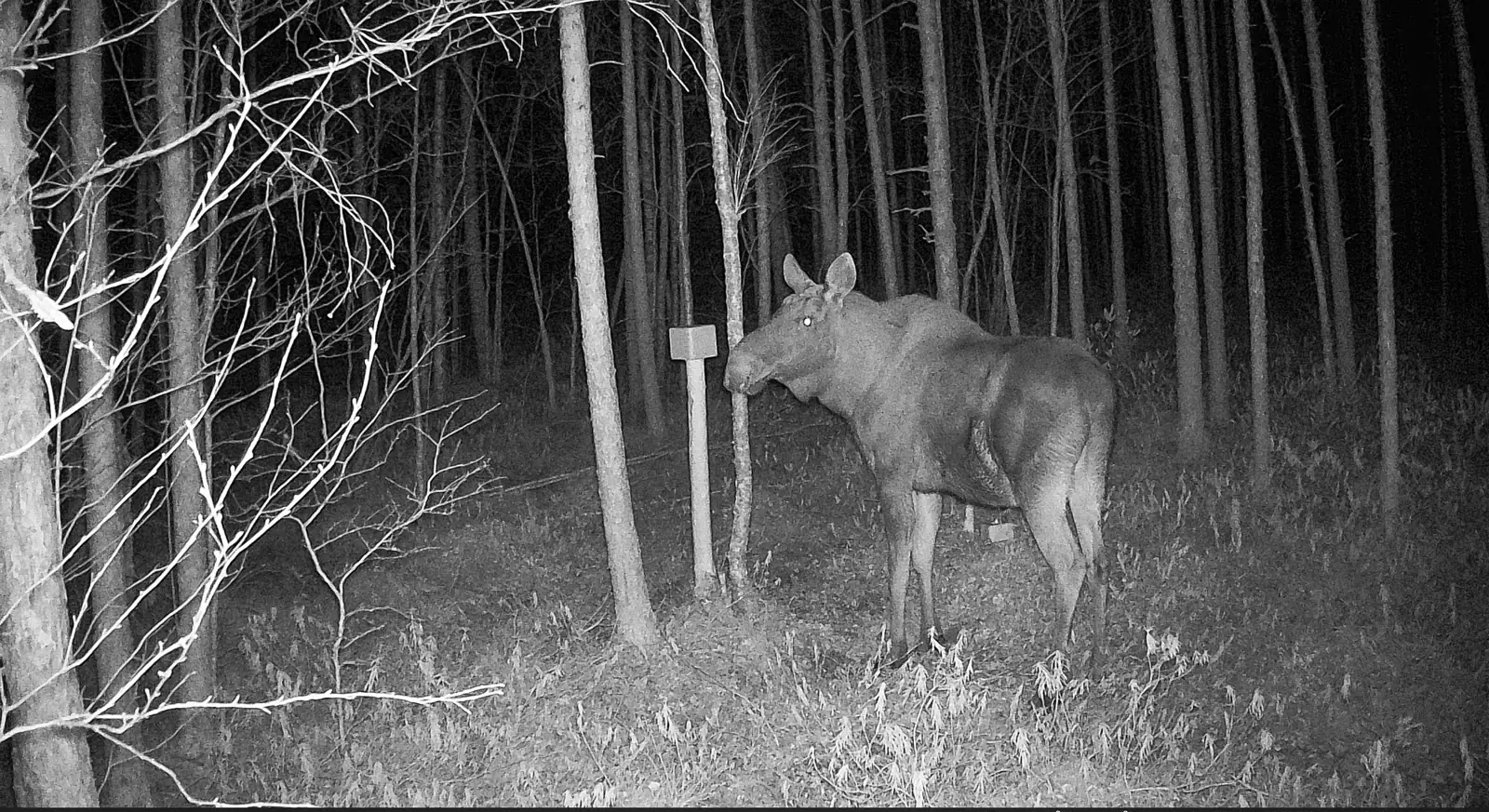
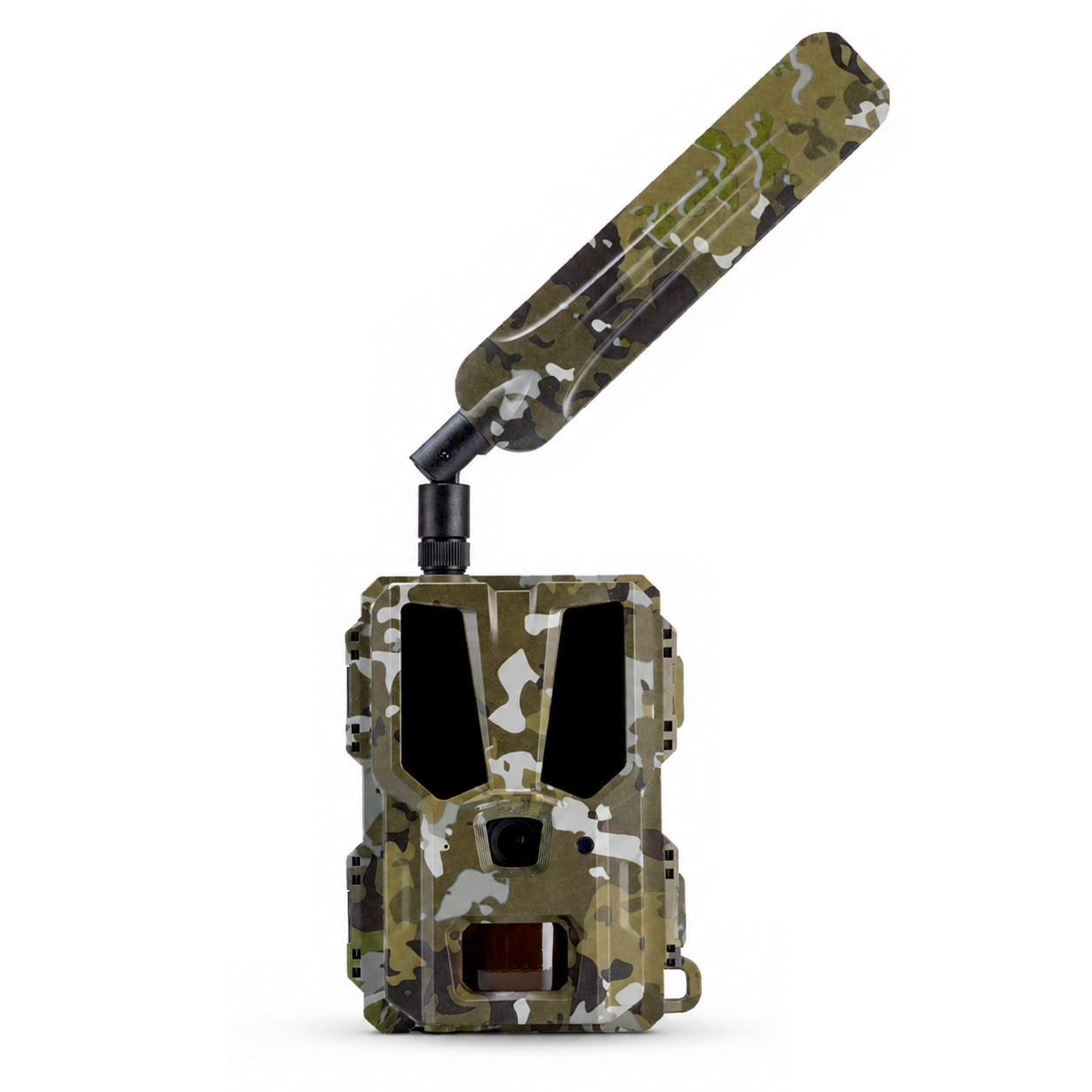
With the Modernhunter SIM, your Burrel has access to the networks of all three operators in Finland, DNA, Elisa and Telia, with no monthly fee. You set it up once with our sample file. After that, your photos arrive in the Modernhunter app.